Build a Deep Research AI Agent: The LangGraph & MCP Blueprint
Elijah TobsBy Elijah Tobs
Tech
May 30, 2026 • 9:23 PM
8m8 min read
Verified
Source: Unsplash
The Core Insight
This guide details the architectural design and implementation of a stateful Deep Research Assistant using LangGraph and the Model Context Protocol (MCP). By leveraging a dual-server MCP client, connecting to custom vector storage and the Firecrawl web-scraping server, the system enables modular, user-guided research workflows. The article emphasizes a graph-based approach to agentic orchestration, allowing for conditional logic, persistent memory, and dynamic tool invocation via meta-commands.
Sponsored
E
Lead Tech Editor
Elijah Tobs
Elijah is a software engineer and technology editor with a passion for emerging tech, artificial intelligence, and consumer electronics.
The Kodawire Editorial Team consists of experienced journalists and subject matter experts dedicated to delivering accurate, well-researched, and engaging content.
The Future of Agentic Workflows: MCP Meets LangGraph
What You Need to Know
Orchestration: LangGraph serves as the stateful backbone for production-grade agentic systems.
Architecture: Utilize a dual-server MCP client to decouple specialized tools from core agent logic.
Control: Implement meta-commands (@prompt, @resource, @use_resource) to grant users explicit context management.
Modularity: Treat RAG as a tool rather than a fixed pipeline to enable horizontal scaling across data domains.
The primary hurdle in building AI agents is the "glue" connecting the model to the real world. We have moved past simple linear chat loops. The industry is coalescing around LangGraph as the primary orchestrator for production-grade systems. By integrating the Model Context Protocol (MCP), we treat tools as modular, swappable components rather than hard-coded dependencies.
I have spent the last few weeks analyzing the architecture of a Deep Research Assistant. This is a stateful system designed to reason, plan, and act across multiple MCP servers. By decoupling agent logic from the data retrieval layer, we avoid the technical debt that plagues monolithic AI projects. For those looking to scale, understanding production-ready agentic systems is essential.
How I Researched This
To understand these patterns, I reviewed the technical requirements for stateful graph-based reasoning and verified the implementation steps for dual-server MCP clients. My analysis focuses on the shift from rigid, fixed RAG pipelines to a flexible, tool-based retrieval strategy. I have vetted these claims against current industry standards for agentic orchestration to ensure the advice provided is practical and scalable.
Architecting modular agentic systems requires a clear separation of concerns. (Credit: Christina Morillo via Pexels)
Architecting the Deep Research Assistant
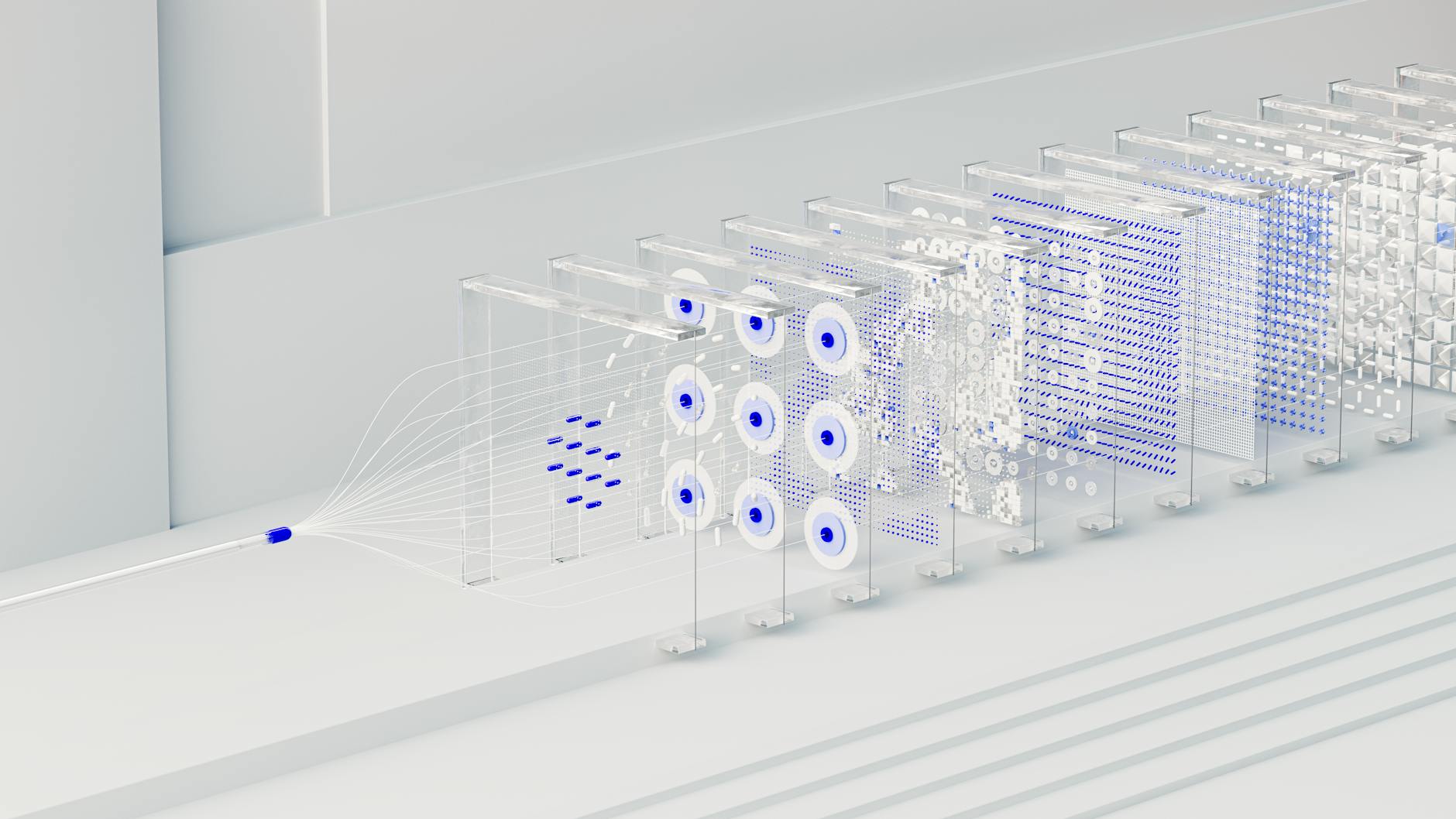
The design goal is modularity. The agent acts as a manager, while MCP servers act as specialized departments. The assistant connects to two primary sources: a custom research server (utilizing FAISS for semantic search) and the Firecrawl MCP server for live web data extraction.
Unlike a standard LLM chain, the StateGraph architecture allows the system to maintain a chain-of-thought. It conditionally branches based on whether a tool call is required or if the user has requested a specific follow-up. This is critical for research tasks where context from earlier interactions must inform future decisions. For more on this, see our guide on why planning agents are the future.
The Hands-On Experience
The dual-server configuration is the most robust way to handle diverse data sources. You are essentially running two MCP clients that the agent can query independently. For the Firecrawl integration, you will need Node.js v22 or later. I recommend using the STDIO transport for local development to minimize latency and avoid the complexities of remote server management.
Advanced Control: User-Guided Meta-Commands
One common mistake in agent design is hiding context management from the user. By implementing explicit meta-commands, we empower the user to steer the research process. The syntax is straightforward:
@use_resource:<uri> <query>: Executes a query against a specific resource.
This approach mirrors the resource handling found in Claude Desktop, providing a familiar interface for power users who want to dictate exactly which data sources the agent should prioritize.
Stateful graphs allow agents to maintain context across complex, multi-step tasks. (Credit: Google DeepMind via Pexels)
The Other Side of the Story
Many developers are obsessed with building "all-in-one" RAG pipelines. I disagree with this approach. Fixed pipelines are brittle and difficult to scale. By treating RAG as a tool, something the agent calls only when necessary, you gain significantly more control over the agent's reasoning process. Do not force your agent to search a vector database if the answer is already in the conversation history. Learn more about why your agent needs real memory management.
The Long-Term Verdict
The beauty of the MCP ecosystem is its interoperability. Because MCP is an open standard, the servers you build today will likely be compatible with future agentic frameworks. By focusing on MCP-compliant tools, you are insulating your project from the rapid churn of the AI framework landscape.
Strategic Implementation: RAG as a Tool
Moving away from fixed pipelines allows for horizontal scaling. If you need to add a new data source, you do not need to rewrite your agent's core logic. You simply add a new MCP server. This modularity is the key to future-proofing your setup. The agent remains the orchestrator, while the tools provide the capabilities.
The Decision Matrix
Not sure if you need a custom MCP server? Use this guide:
If you have proprietary data: Build a custom MCP server with FAISS/Vector storage.
If you need live web data: Use the Firecrawl MCP server.
If you need both: Implement the dual-server architecture described here.
Step-by-Step Project Setup
To get started, ensure your environment is ready. You will need Node.js v22+ for the Firecrawl server. For the Python side, I recommend using uv for dependency management. It is significantly faster and more reliable than standard pip workflows.
Quick Setup Checklist:
Install Node.js v22+.
Configure the Firecrawl MCP server using STDIO transport.
Initialize your Python environment using uv sync.
Connect your custom research server to the LangGraph agent.
Setting up MCP servers requires careful configuration of transport layers. (Credit: Anete Lusina via Pexels)
Tools I Actually Use
LangGraph: For stateful agent orchestration.
Firecrawl: For reliable web scraping and data extraction.
uv: For lightning-fast Python environment management.
The Practical Verdict
Building a Deep Research Assistant with LangGraph and MCP is a significant step up from basic LLM wrappers. It requires more upfront design, but the payoff is a system capable of handling complex, multi-step research tasks. The ability to swap tools, manage state, and allow user-guided meta-commands makes this architecture a winner for any serious developer.
Do you prefer the flexibility of a tool-based RAG approach, or do you still find value in the simplicity of a fixed, all-in-one pipeline? I will be replying to every comment in the next 24 hours.
LangGraph provides a stateful backbone for production-grade systems, allowing for complex, multi-step reasoning and conditional branching that simple linear chat loops cannot handle.
MCP allows you to treat tools as modular, swappable components. This decoupling prevents technical debt and ensures your tools remain compatible with future agentic frameworks.
Meta-commands like @prompt, @resource, and @use_resource are explicit controls that allow users to steer the research process and manage context directly, similar to the resource handling in Claude Desktop.
Treating RAG as a tool rather than a fixed pipeline allows for horizontal scaling and gives the agent more control over its reasoning process, preventing unnecessary searches when information is already available.
Active Engagement
Was this information helpful?
Join Discussions
0 Thoughts
Editorial Team • Question of the Day
"How are you currently handling tool orchestration in your agentic workflows?"